

Find a call
- The list starts with My calls on and Status set to completed calls. Turn off My calls to see calls your team owns.
- Filter by Status, Call Type, Company, Owner, Audience (External or Internal) or Date. Or type in Search conversations….
- Select a card to open the meeting page.
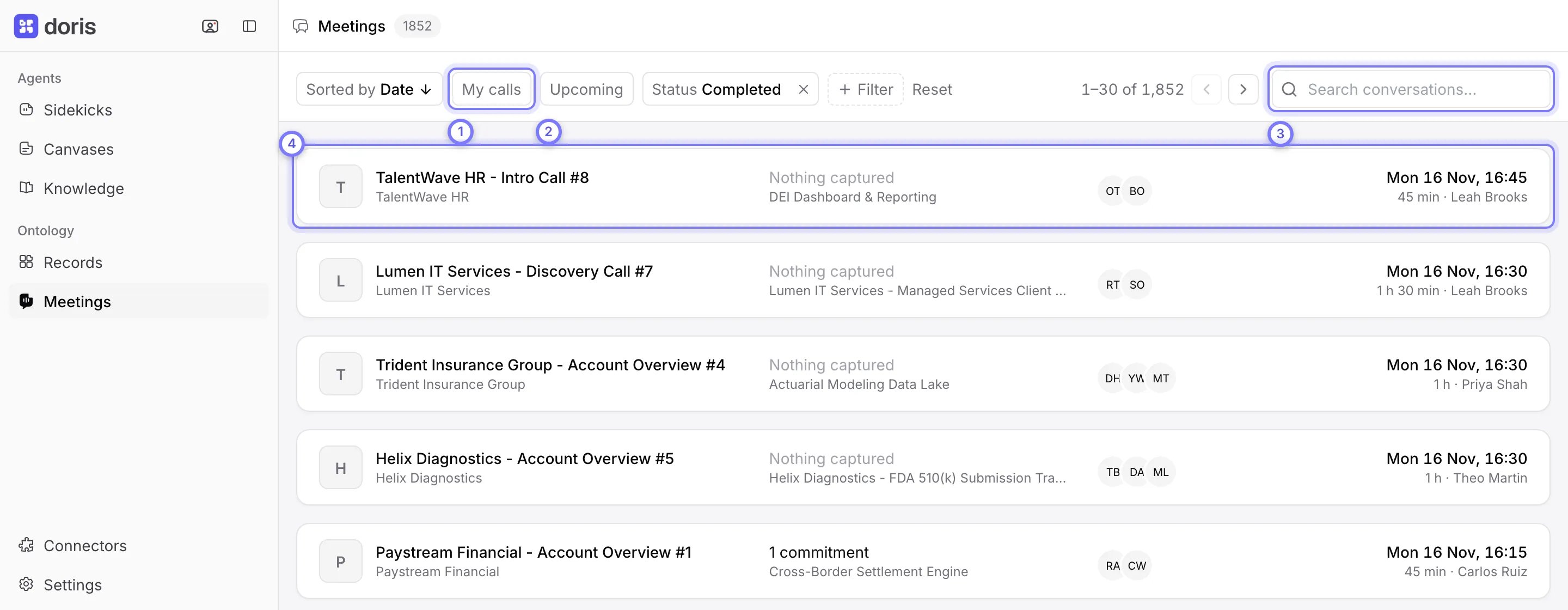
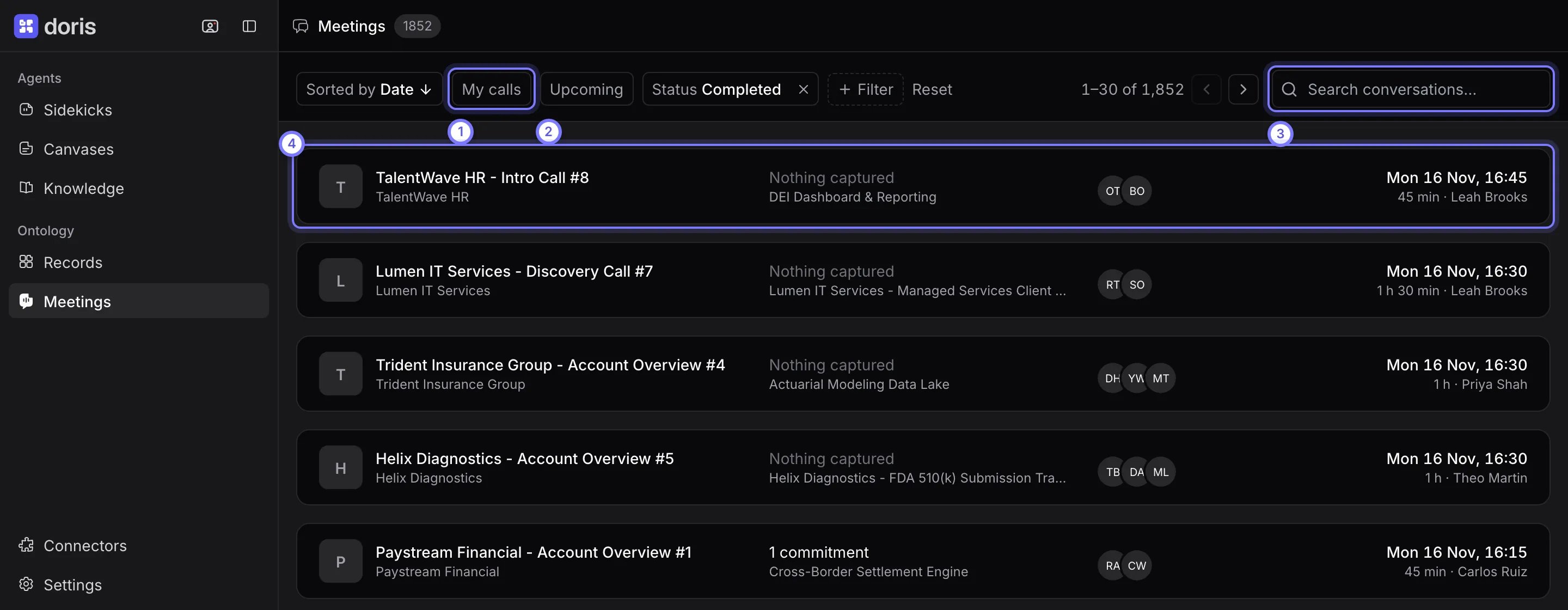
Meetings. (1) My calls switches between your calls and the whole team's. (2) Upcoming lists your coming meetings. (3) Search conversations… finds a call. (4) Select a card to open the meeting page.
Read a meeting page
The left side has the recording and the people on the call, then Summary and Transcript. The right side shows the deal and what the call changed.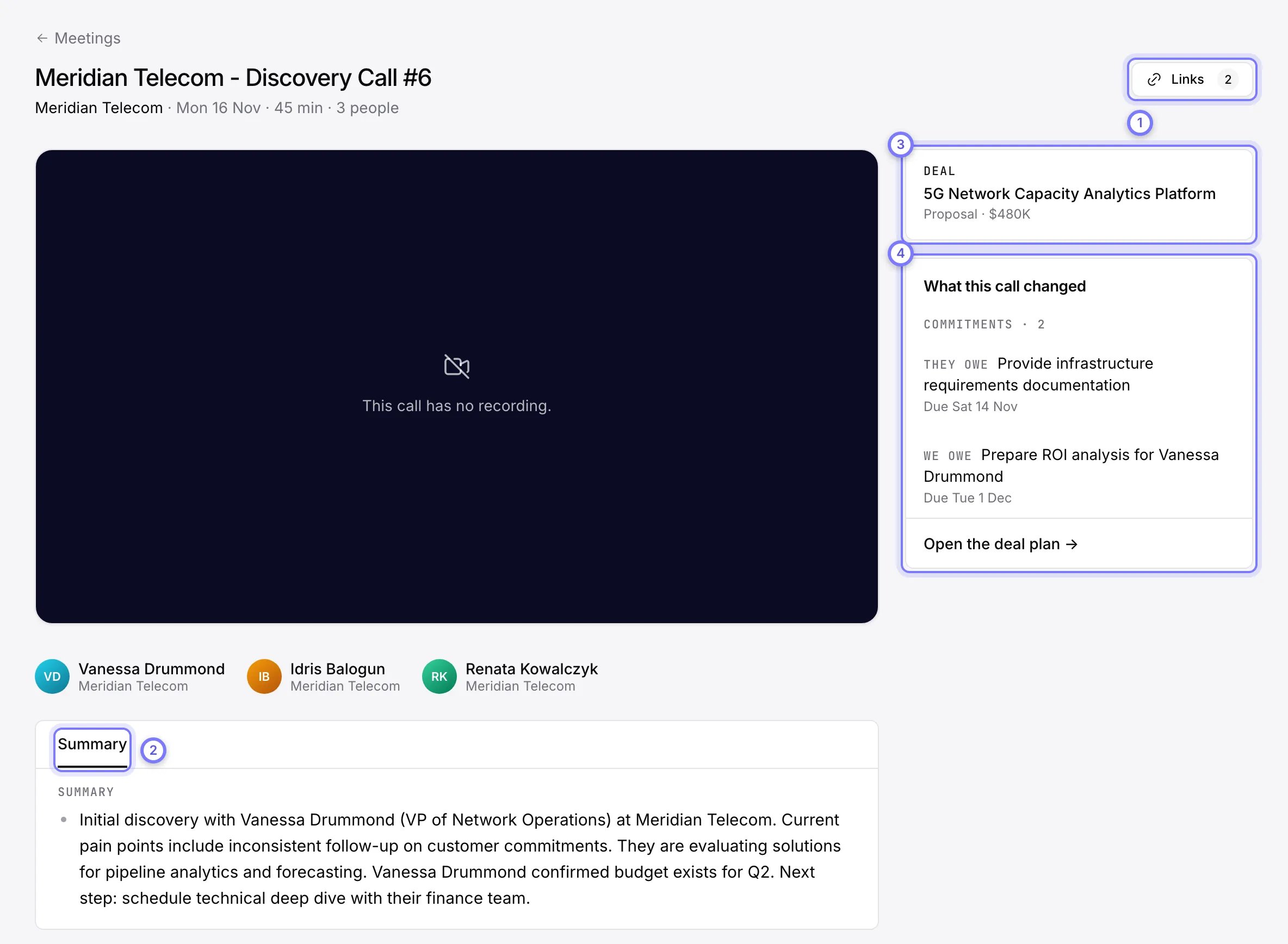
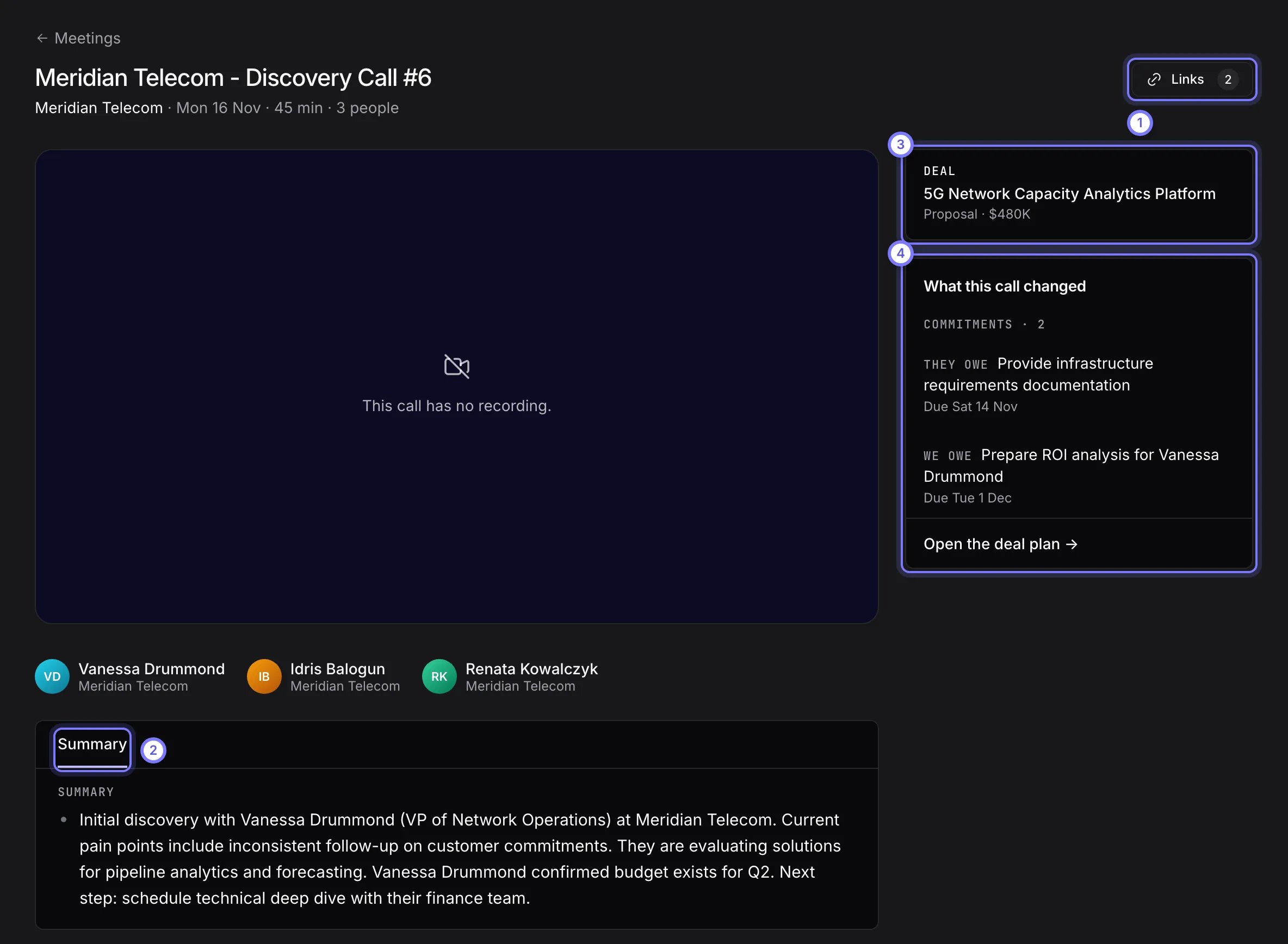
A meeting page. (1) Links fixes the company, offers and deals the call is linked to. (2) Summary is the written recap. (3) The linked deal. (4) What this call changed lists the commitments and plan changes. This call has no recording, so the player says so.
- Summary is a written recap. What came up lists objections and competitors with a quote and timestamp. Key moments lists moments to hear again, with Show N more. Select a timestamp to play from there. If the call scored against a framework, a Framework tab lists each part as Strong, Partial or Missing, with evidence.
- Transcript shows each line with time and speaker. Type in Search to find a word. Select a line to play from there.
- If the page says “Doris is processing this call”, the summary arrives within a few minutes. “No summary for this call” means there is no transcript or Doris wrote none.
- If there is no recording, the page says why. The notetaker may not have been admitted from the waiting room, or Doris may still be fetching it.
See what a call changed
The What this call changed panel shows Deal plan (each change with old and new value), Commitments (marked We owe or They owe, with due dates and timestamps) and Open the deal plan. See Deals. A call not linked to a deal says “This call isn’t linked to a deal, so no plan changed.” Select Link to a deal to fix that.Fix a call’s links
Wrong links put evidence on the wrong record.- Select Links at the top of the meeting page.
- Open Company, Offers or Deals, search, and select the right record.
Share, reprocess or delete a call
- Share sends a link to the recording. It shows when the call has a recording. See Share a recording.
- Download transcript is in the three-dot menu for everyone.
- Reprocess (makes Doris analyze the call again) and Delete meeting are admin-only. A deleted meeting disappears at once and is removed after 30 days. An admin can restore it from Recently deleted on the list.