

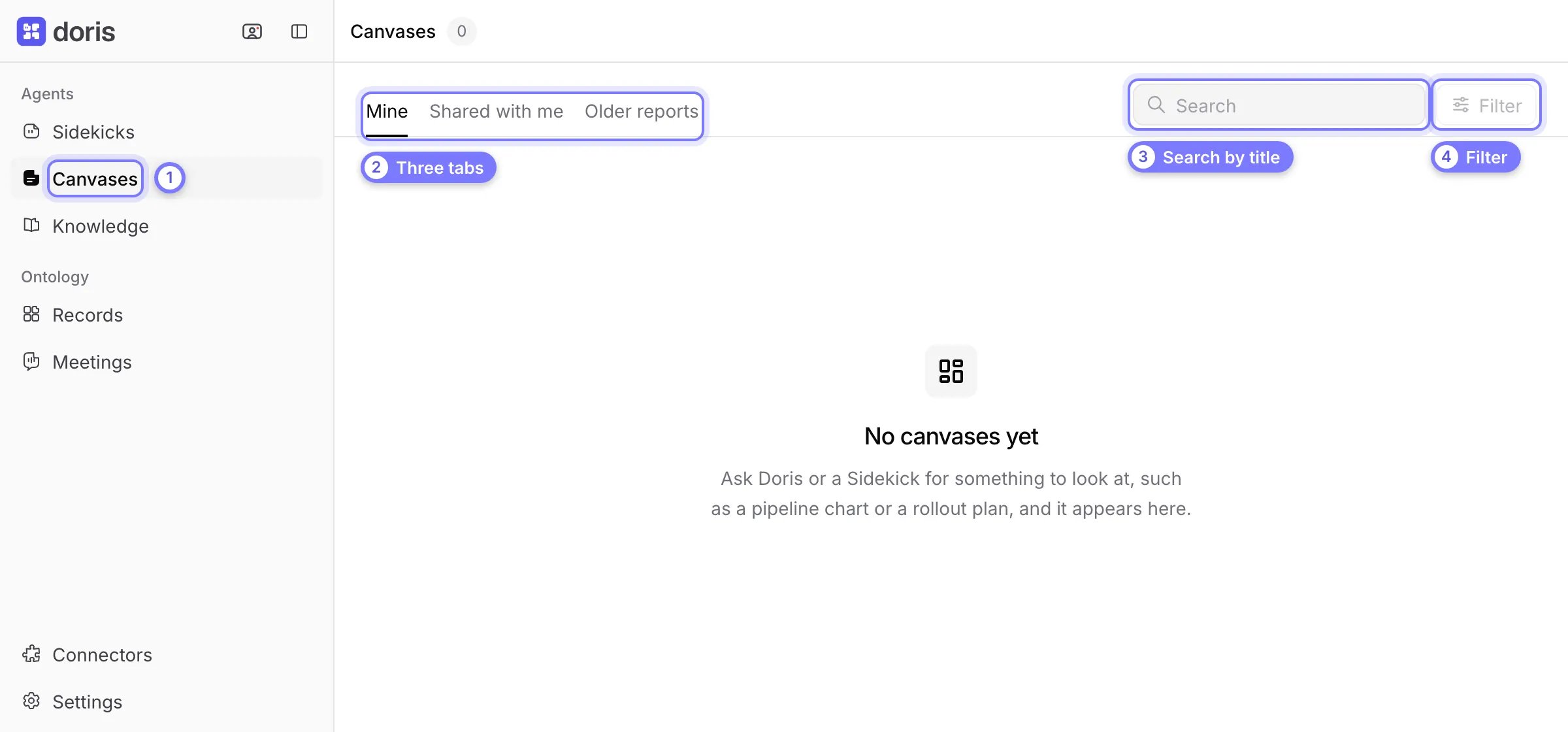
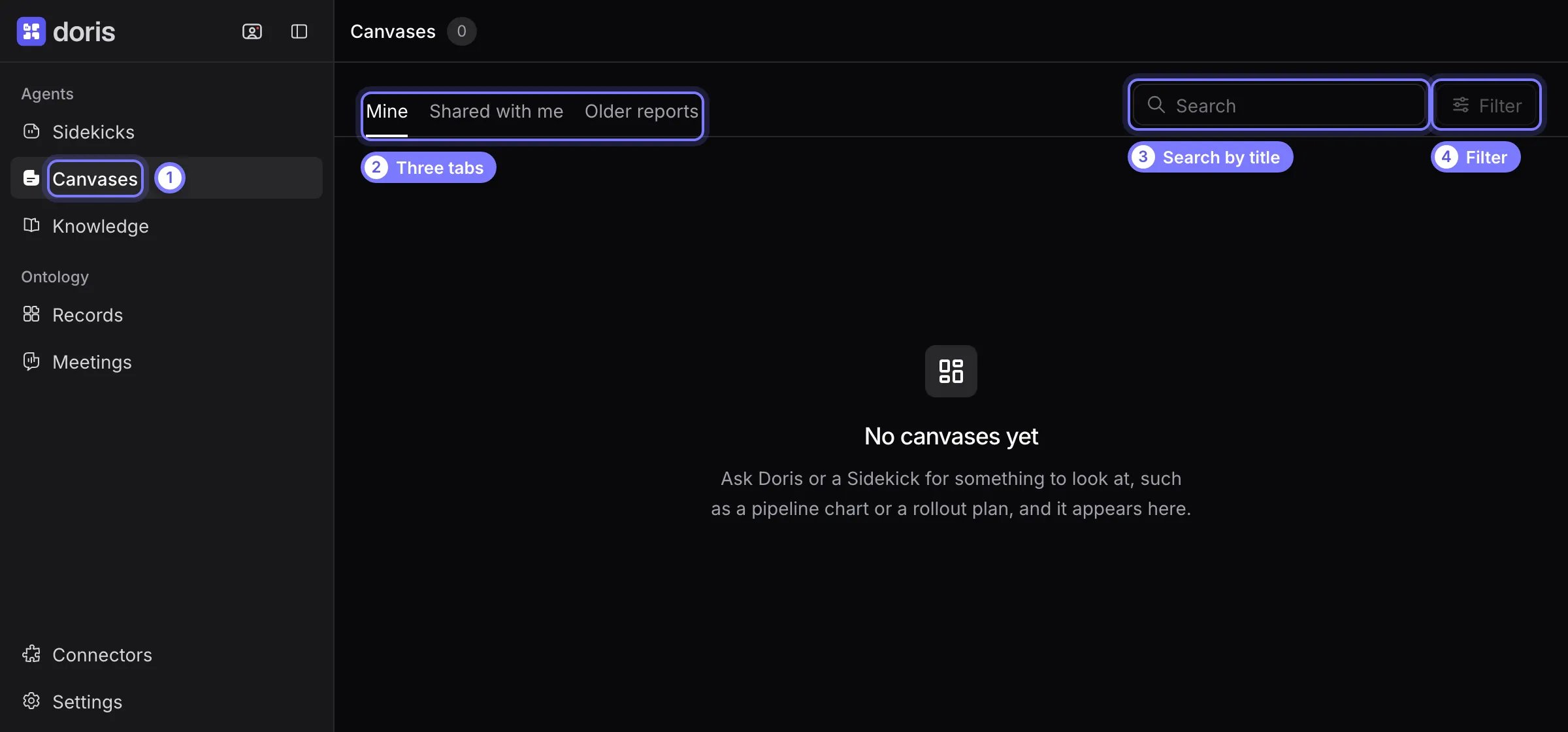
The Canvases library. (1) Open Canvases in the sidebar. (2) The tabs are Mine, Shared with me and Older reports. (3) Search finds a title. (4) Filter narrows the list once you have canvases.
Make a canvas
Ask in a conversation with Doris or a Sidekick. Say what the page is for and what it should show.- “Make a rollout plan for the Acme deal.”
- “A pipeline chart by stage for my open deals.”
- “A one-page pricing summary with the three tiers we quoted.”
Edit a canvas
Ask the Sidekick in the same conversation: “make the timeline weekly” or “add last week’s call”. It posts a new version of the same canvas. To see earlier versions, open the canvas and select Versions. Restore copies an earlier version as the newest one. A canvas reads your records when you open it, as you. It shows current figures and only data you can already see. Values the Sidekick found elsewhere, such as a price in an email, stay as written until you ask for an edit.Find a canvas
The library has three tabs:- Mine lists canvases you asked for, with who can see each (Private, Shared or Workspace).
- Shared with me lists canvases teammates shared with you or the workspace.
- Older reports holds reports and briefs agents wrote before canvases existed. Old links to them still open.
Share a canvas with teammates
- Open the canvas and select Share. Stay on the Teammates tab.
- Switch on Everyone in the workspace, or find teammates by name and tick them.
- Select Share version N.