

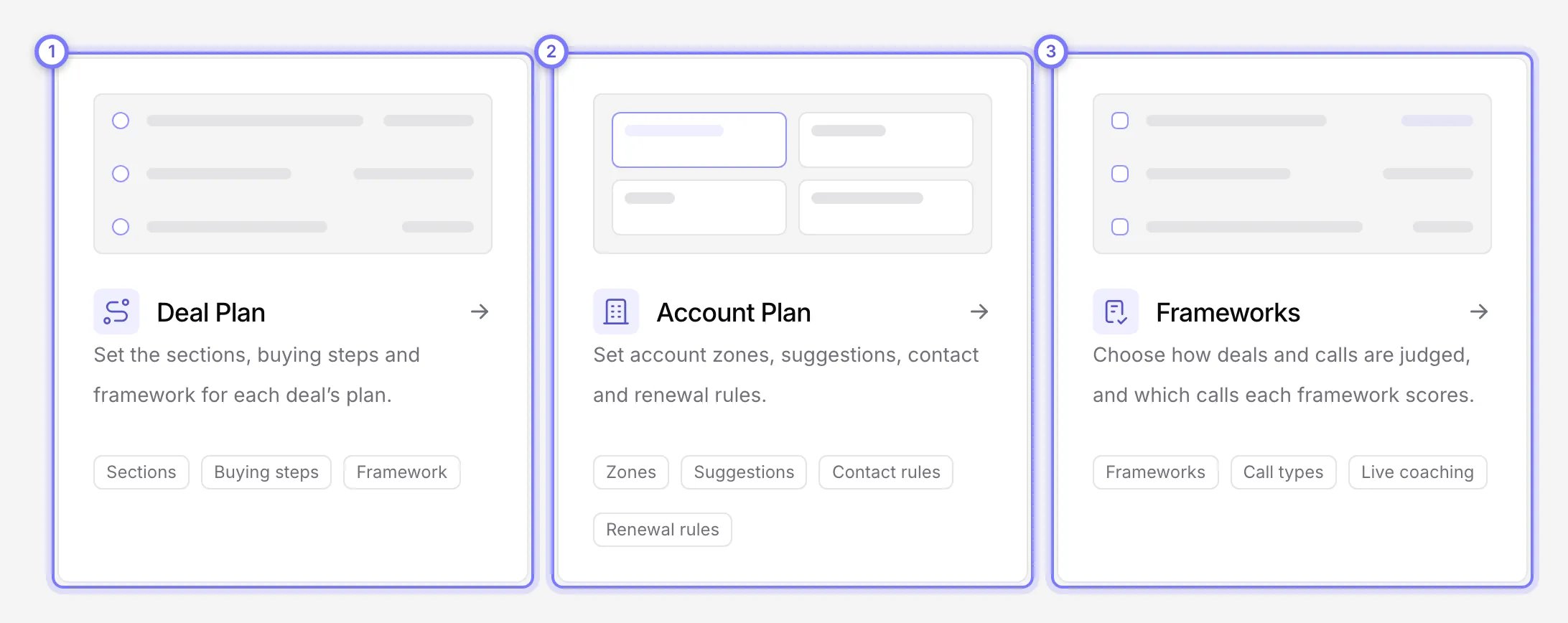
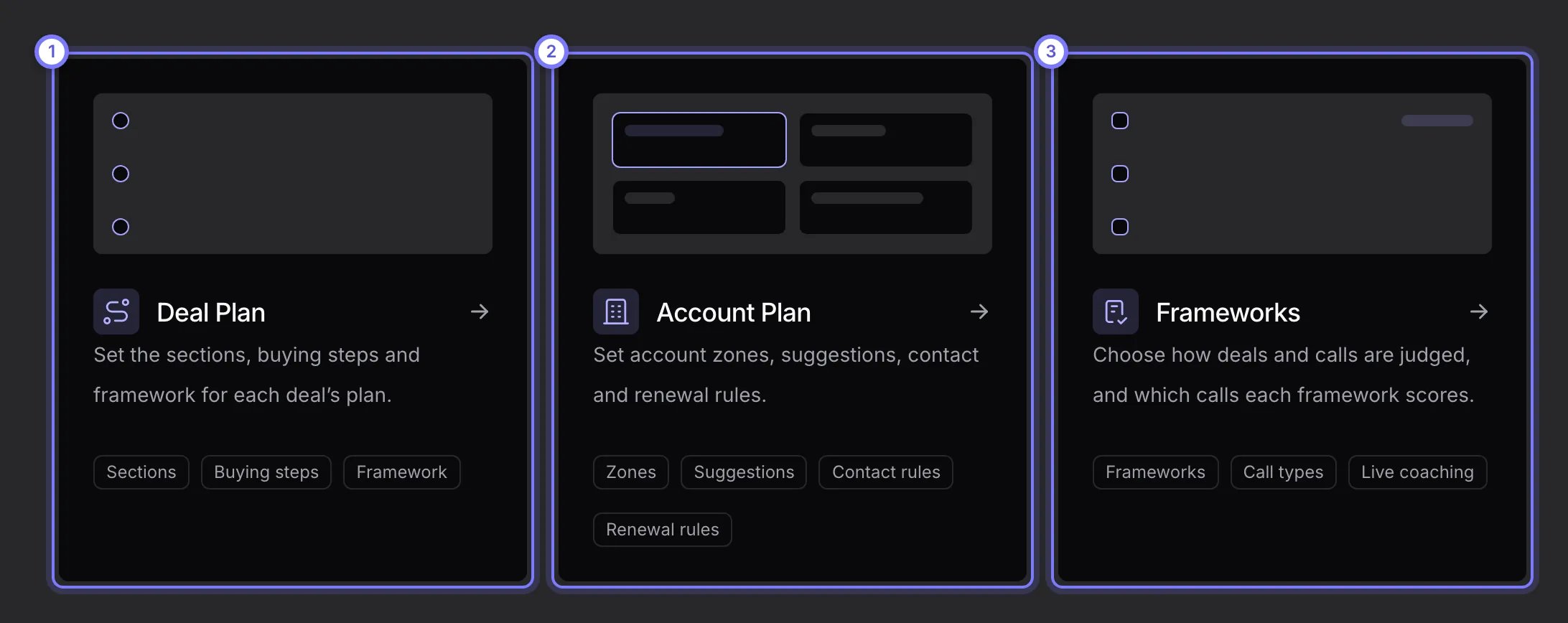
Plans in the sidebar, as an admin. (1) Deal Plan sets what every deal's plan holds. (2) Account Plan sets the zones and rules for company pages. (3) Frameworks sets how deals and calls are scored.
Edit what every deal plan holds
- Select Plans, then Deal Plan.
- Switch sections on or off, or open one to edit its heading, its questions and its columns. A preview on the right shows an example deal. Its Full, Summary and History tabs show the plan on the deal page, in the panel beside the Sidekick chat, and as changes by week.
- Select Save. Discard drops your unsaved changes.
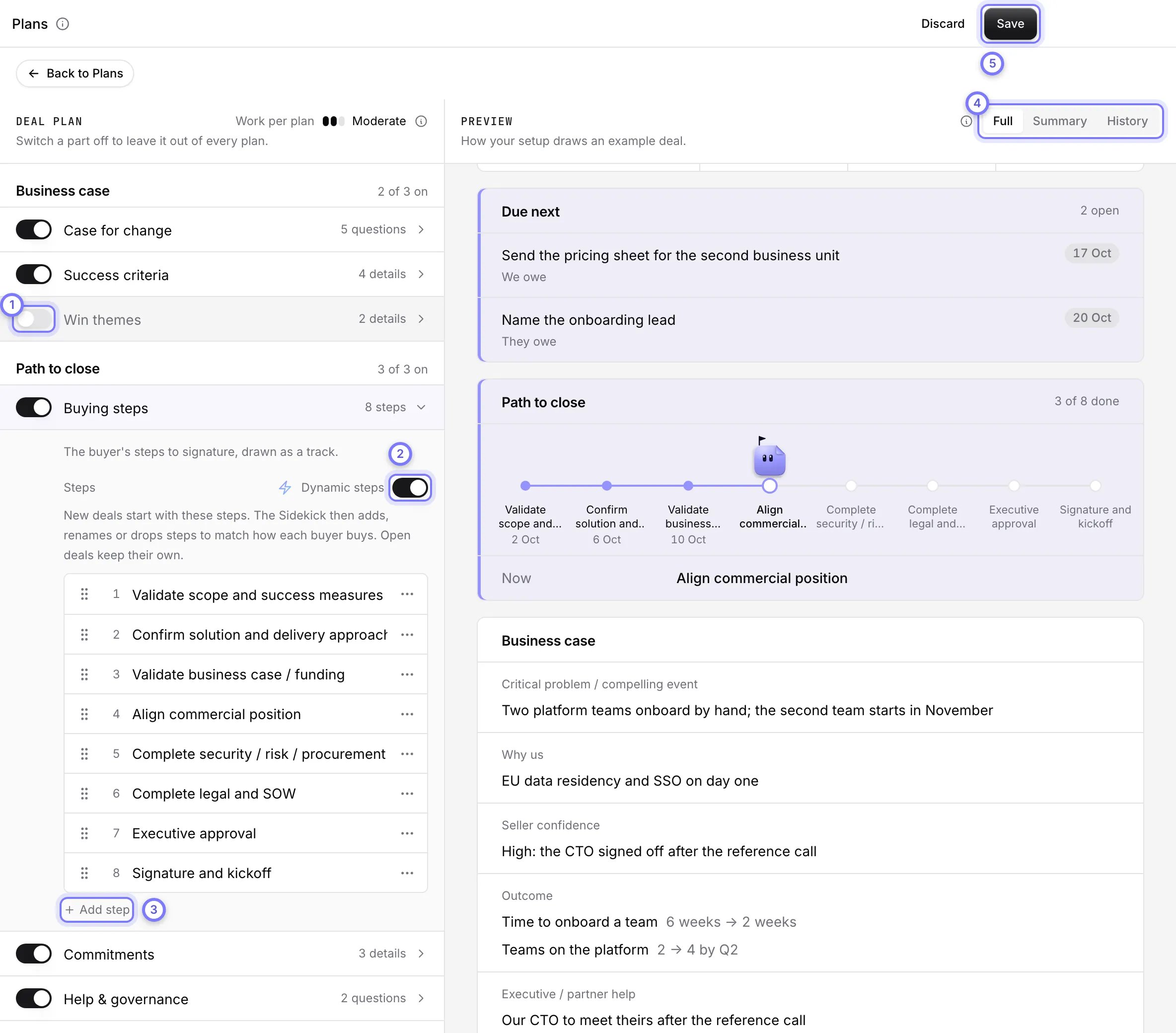
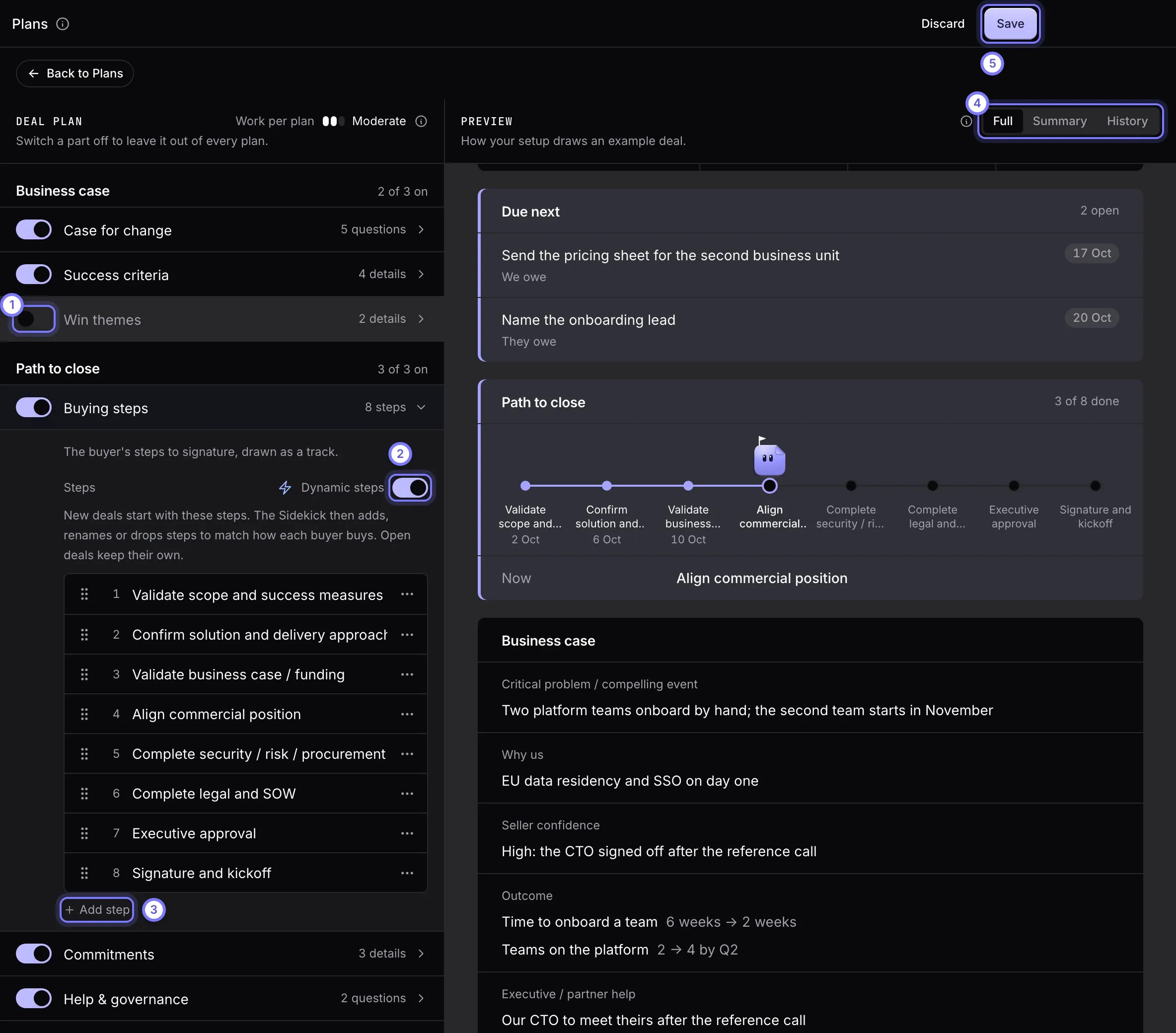
Plans > Deal Plan. (1) Each section has a switch. Win themes is off here. (2) Dynamic steps lets the Sidekick change a deal's steps to match how the buyer buys. (3) Add step adds a default buying step. (4) The preview has Full, Summary and History tabs. (5) Save keeps your changes. Discard drops them.
Set the default buying steps
- In Deal Plan, open Buying steps.
- Select Add step, name each step, and drag steps to reorder them. Every step needs a name.
- Choose Dynamic steps. On, new deals start with your steps and the Sidekick adds, renames or drops steps to match how the buyer buys. Off, every new deal uses exactly your steps and the Sidekick marks each one done.
- Select Save.
Choose the framework a deal plan scores against
In Deal Plan, open Framework. Scored with sets the framework for the qualification sections. Automatic uses each deal’s fullest assessment. Pick one of your frameworks, or select Add a framework… to create one.Add a framework
A framework is a set of parts that Doris scores against evidence in your calls. A deal framework fills the qualification card. A call framework scores the calls you assign it.- Select Plans, then Frameworks, then Add framework.
- Choose Start from a template (MEDDPICC, BANT, SPICED, Challenger and others), Build from a document (pick a playbook from Knowledge, select Use, then review Doris’s draft), or Write your own.
- Enter a Name of up to 60 characters. Under Judges, choose Whole deal or Each call.
- The editor opens with five blank parts. Fill in each one, remove the ones you do not need, or select Add a part for more, up to 10. Give each part an Acronym of up to 3 characters (unique in the framework), a Name, a Description and Good looks like, which is the scoring rubric. All four are required.
- For a whole-deal framework, Show this instead of SPICED on the deal scorecard makes it the scorecard’s second lens. Only one framework holds that slot. MEDDPICC stays the primary lens.
- Select Add framework. Doris then scores your deals with it.
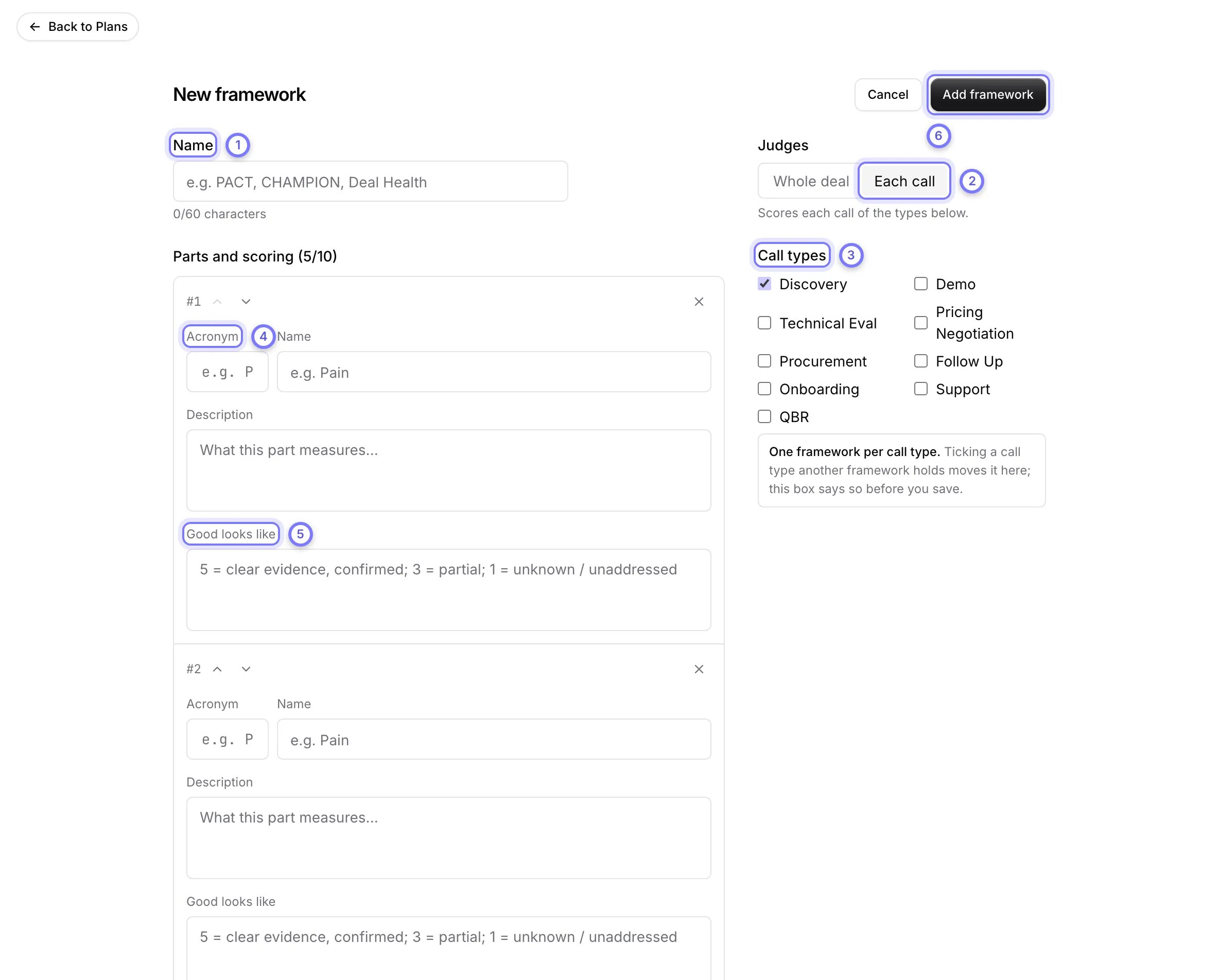
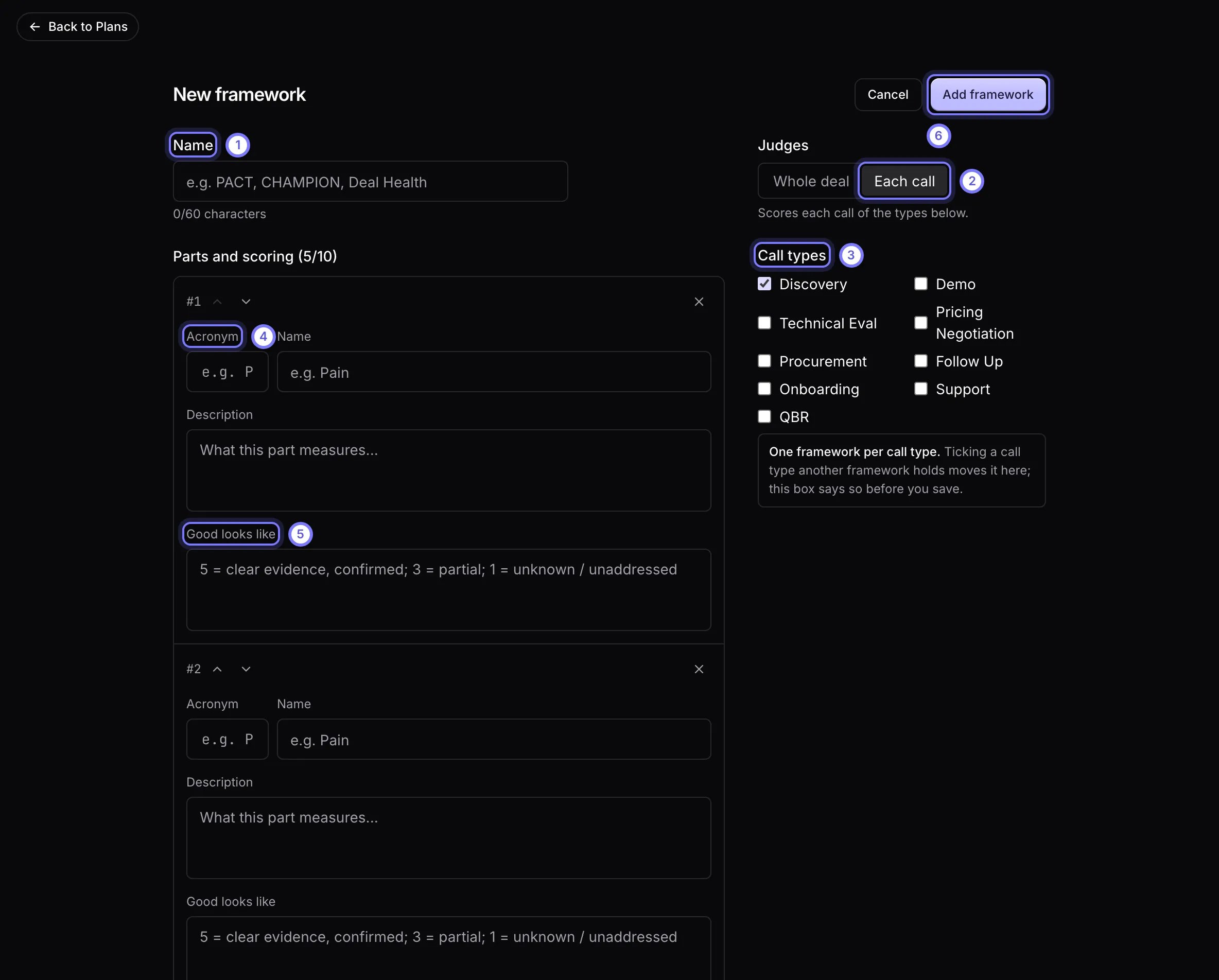
Plans > Frameworks > Add framework > Write your own. (1) Enter a Name. (2) Under Judges, choose Whole deal or Each call. (3) For Each call, tick the Call types it scores. (4) Give each part an Acronym, a Name and a Description. (5) Good looks like is the rubric Doris scores against. (6) Add framework saves it. The editor opens with five blank parts. Remove the ones you do not need, or select Add a part for more, up to 10.
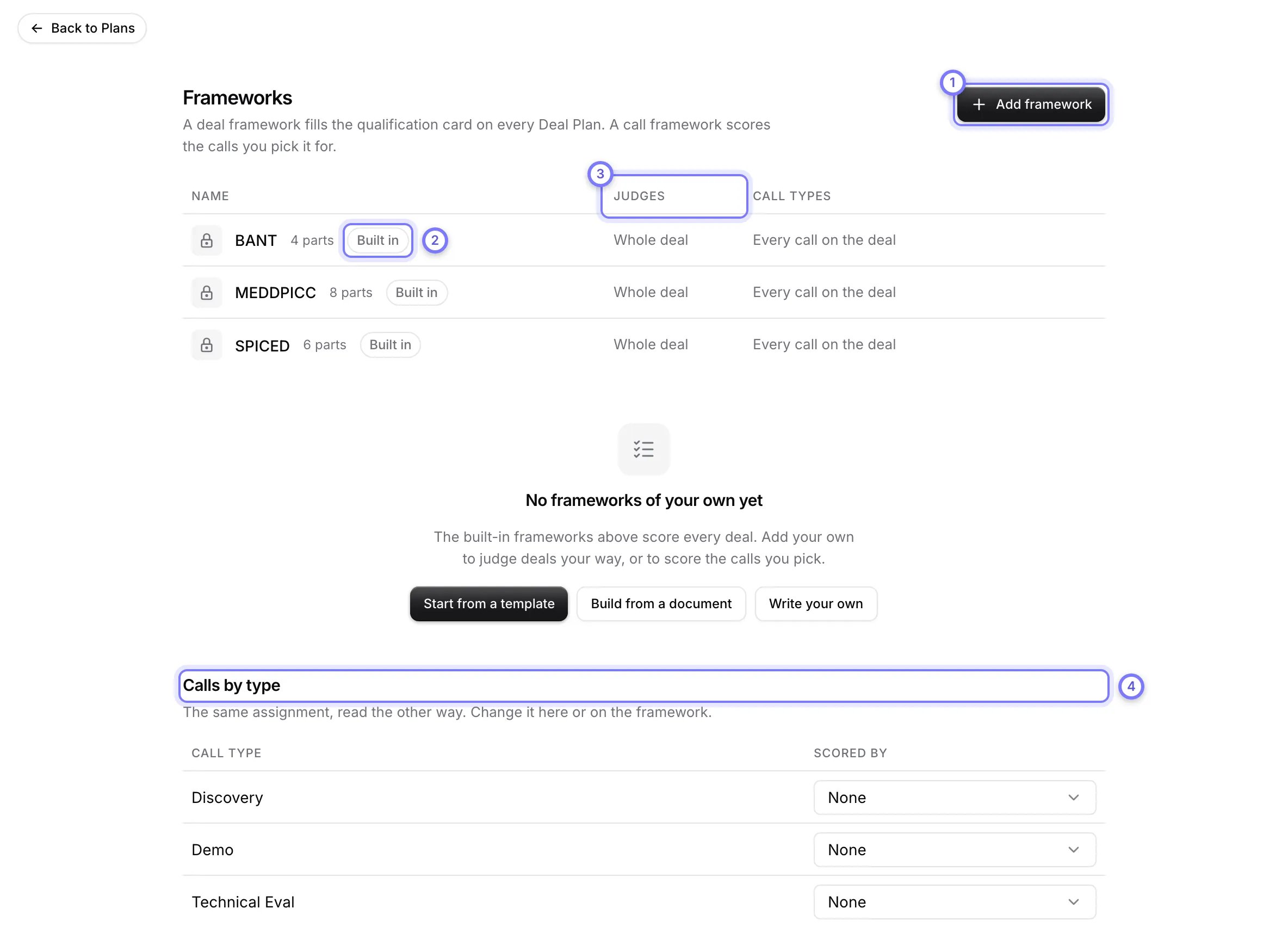
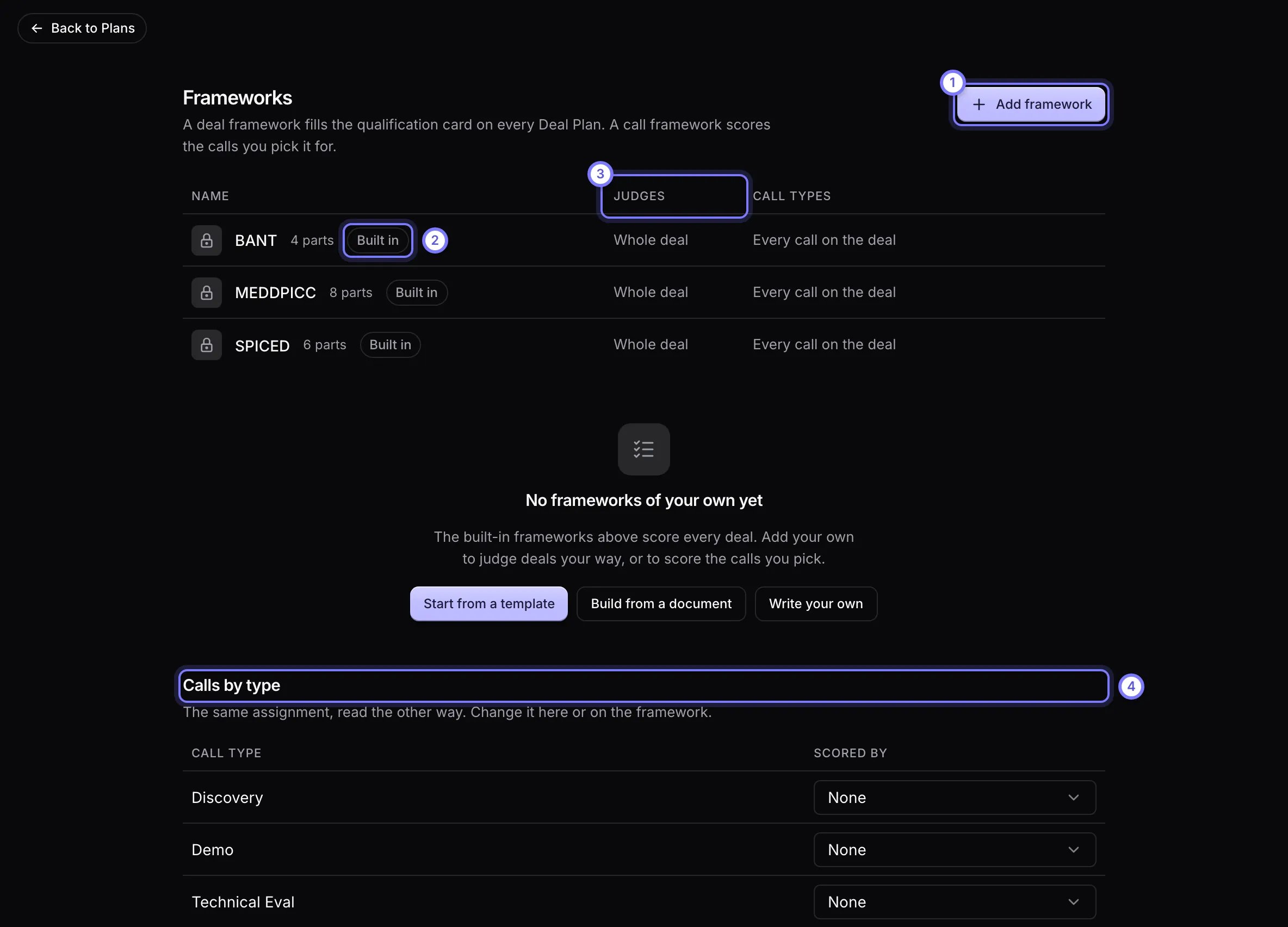
Plans > Frameworks. (1) Add framework starts a new one. (2) Built in frameworks cannot be edited. (3) Judges says whether a framework scores the Whole deal or Each call. (4) Calls by type shows which framework scores each call type, and you can change it there.