

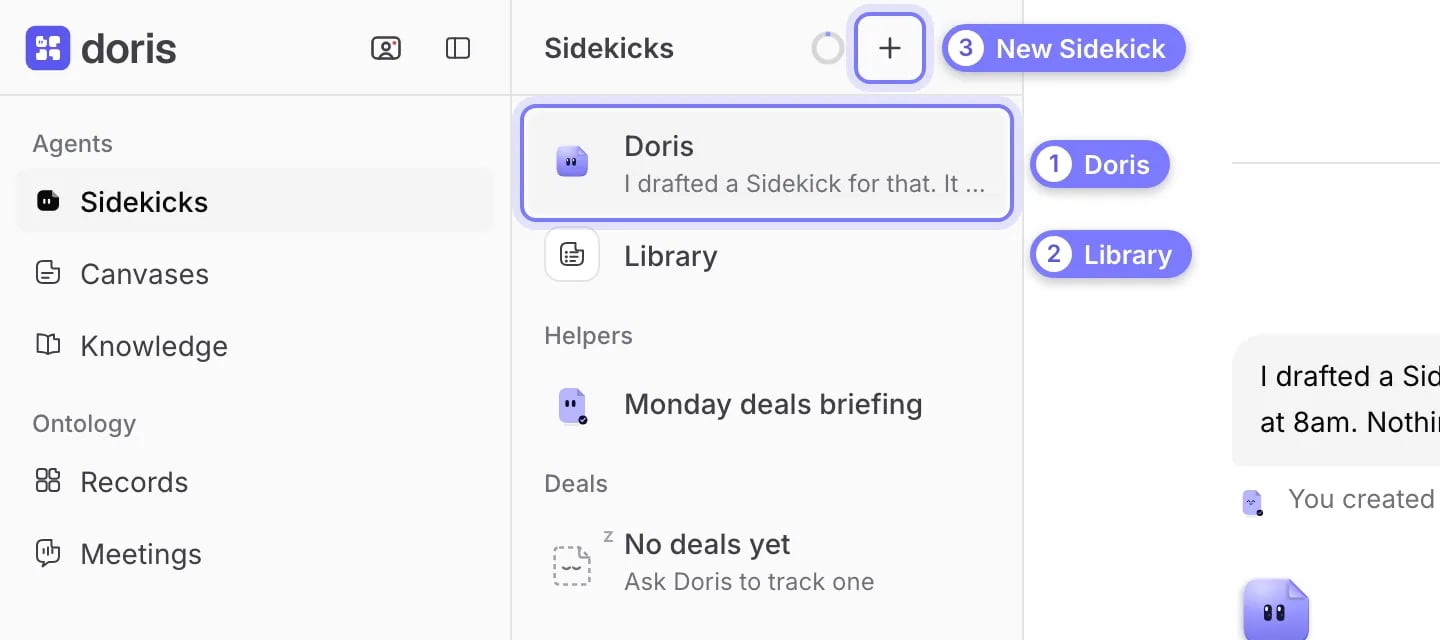
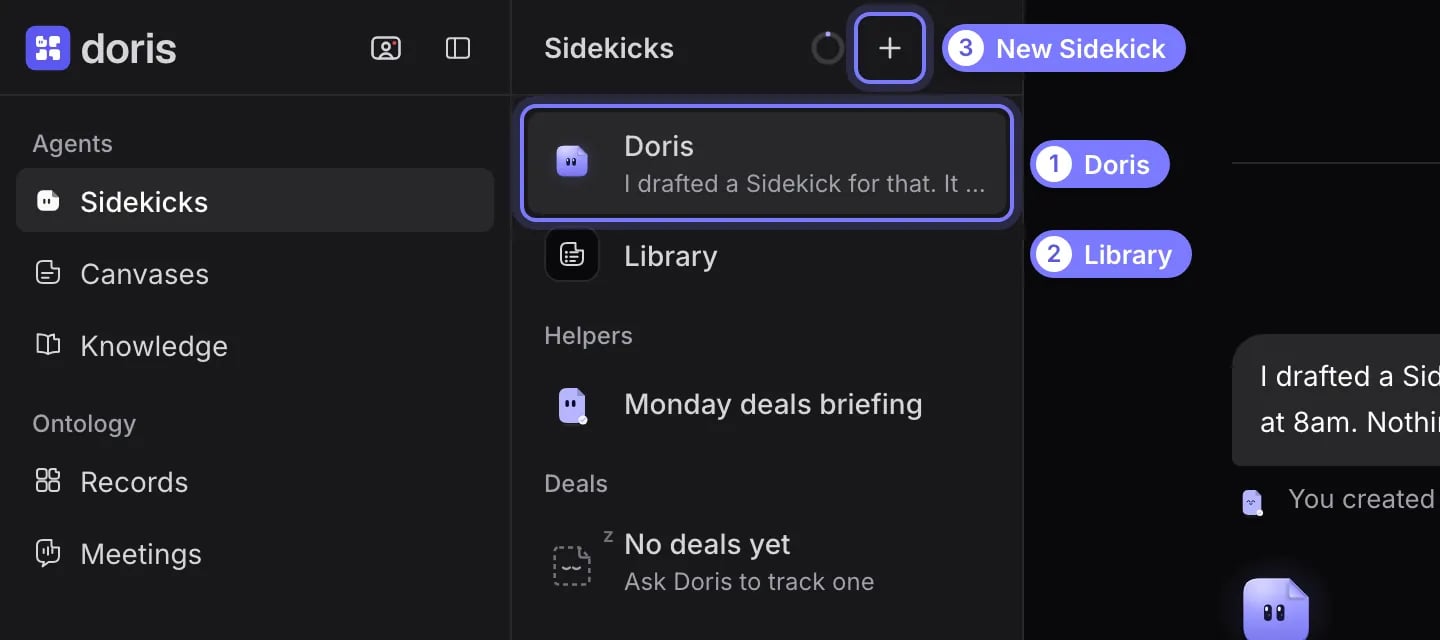
The Sidekicks list. (1) Doris is always first: one conversation, with no new chats to start. (2) Library holds Doris's skills, templates and memory. (3) The plus button makes a new Sidekick.
Create a Sidekick
- Select New Sidekick (the plus) at the top of the Sidekicks list.
- Type a name. Optionally choose a Shape, a Tint and what it Wears. If you skip the look, Doris picks one. You cannot use the name Doris.
- Select Create. The new Sidekick opens and asks what you want it to take on.
Talk to a Sidekick
Select a Sidekick and type in the Message box. It remembers the conversation. When it wants to send an email, change a record or set something up, it posts a card. See Approve a Sidekick’s action.Open the details panel
Select the Sidekick’s pill at the top of the conversation. Select it again to close. To rename a Sidekick, select its name in the panel. Doris keeps her name.
A Notes tab appears when the Sidekick has notes. Deal Plan summarizes the deal’s plan. The full plan is on the deal page.
Add a routine
A routine is a standing task. Tell the Sidekick, for example “every Monday at 9, list what is slipping”. It saves the routine at once and posts a note with Undo. A routine the Sidekick suggests on its own waits on a card until you approve it.- Open the Routines tab. Each routine shows a switch and when it runs, such as Weekdays at 08:30.
- Switch a routine off to pause it. To run one now or change it, ask the Sidekick.
- To wake a Sidekick on a deal event, ask for it in the conversation, for example “wake me when the stage changes on this deal”. Ask the Sidekick, or ask Doris. A deal Sidekick wakes for its own deal, and a helper for every deal you own.
- The routine appears on the Routines tab, with when it wakes.
Add a watch
A watch checks the public web for one thing, such as a competitor’s pricing, a regulator’s rulings or news at an account.- Ask a helper Sidekick: “keep an eye on Acme hiring”.
- Read the card. It shows the name, a Daily or Weekly cadence, a brief of what to look for, and any CRM accounts. If another watch already covers the same accounts, the card shows it.
- Approve the card.
Choose how much a Sidekick asks first
- Open the Settings tab.
- Under Mode, choose one, then select Save. It applies from the Sidekick’s next turn.
Your admin sets the highest mode your workspace allows. If it is Safe, Auto is greyed out.