Go to Settings > Workspace > Sidekicks. Only workspace admins can change these settings. Anyone else sees “Only workspace admins can change Sidekick policy.” Each choice saves as soon as you make it and applies to every Sidekick’s next action.
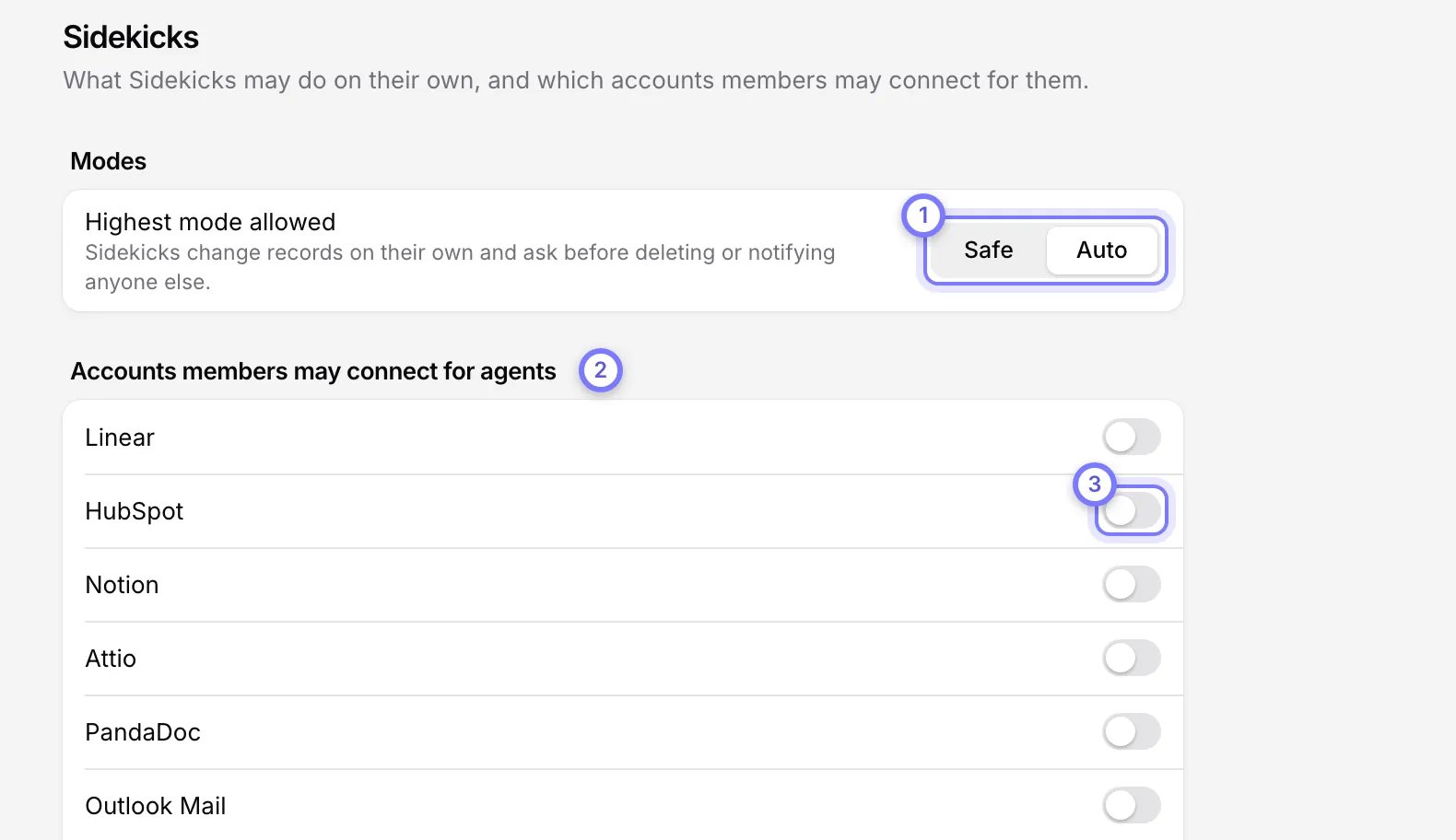
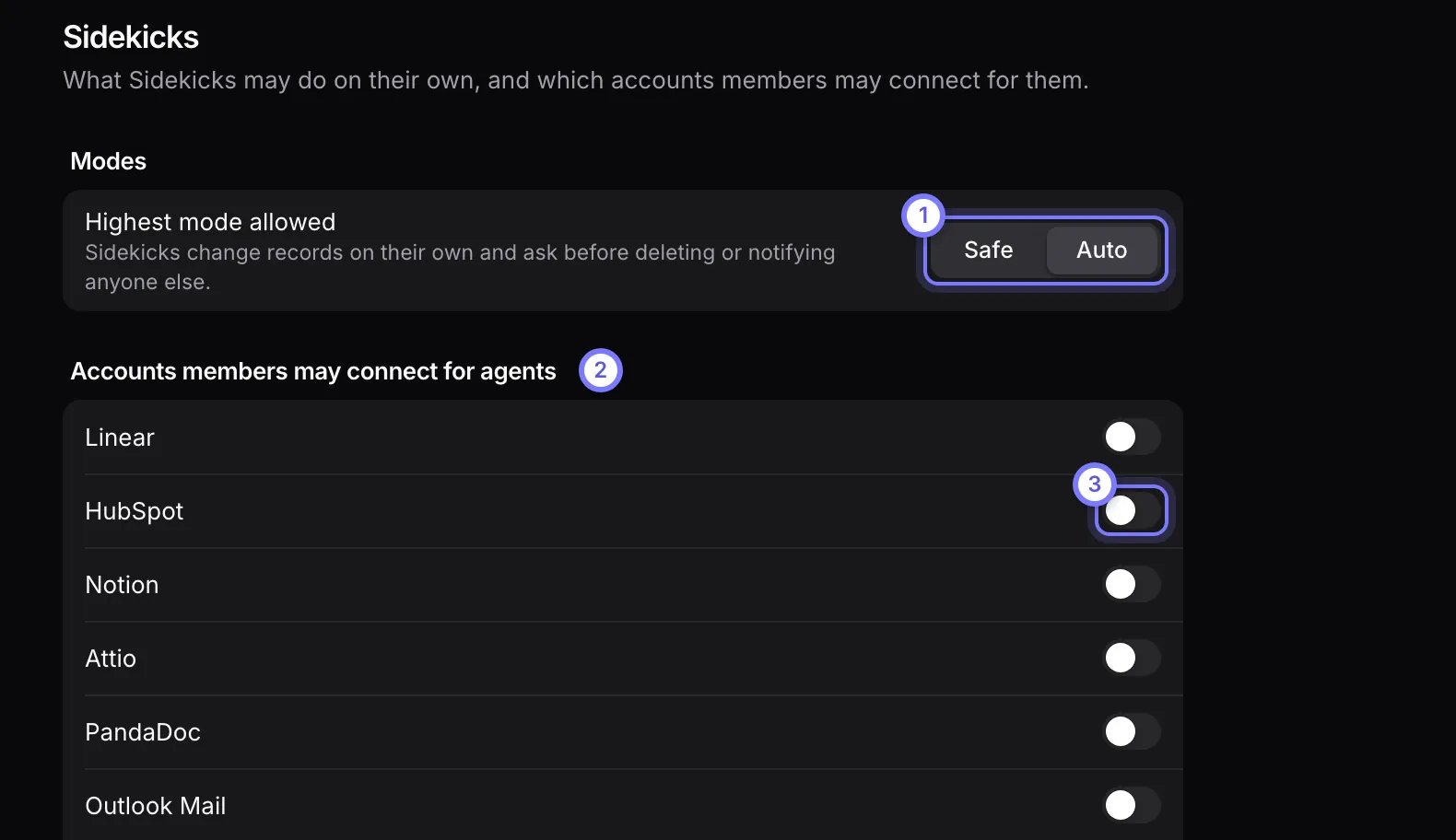
Settings, Workspace, Sidekicks. Under Modes, Highest mode allowed is a choice of Safe and Auto, set to Auto. Under Accounts members may connect for agents, each outside account has its own switch.Settings, Workspace, Sidekicks. Under Modes, Highest mode allowed is a choice of Safe and Auto, set to Auto. Under Accounts members may connect for agents, each outside account has its own switch.

Settings > Workspace > Sidekicks. (1) Highest mode allowed sets the ceiling for every Sidekick. (2) Under Accounts members may connect for agents, (3) each switch allows one outside account.

Set the highest mode Sidekicks may run in

Highest mode allowed is the ceiling for every Sidekick in the workspace. A Sidekick runs in the stricter of its own mode and this one, so you do not need to edit any Sidekick. In every mode, a Sidekick asks before it deletes anything or reaches anyone outside your company.

Choose which accounts members may connect for Sidekicks

Each switch under Accounts members may connect for agents allows one outside account, such as a tool a Sidekick can act in. Each member connects their own account in Connectors, and their Sidekicks act as them. Nothing is shared. See Your settings.