

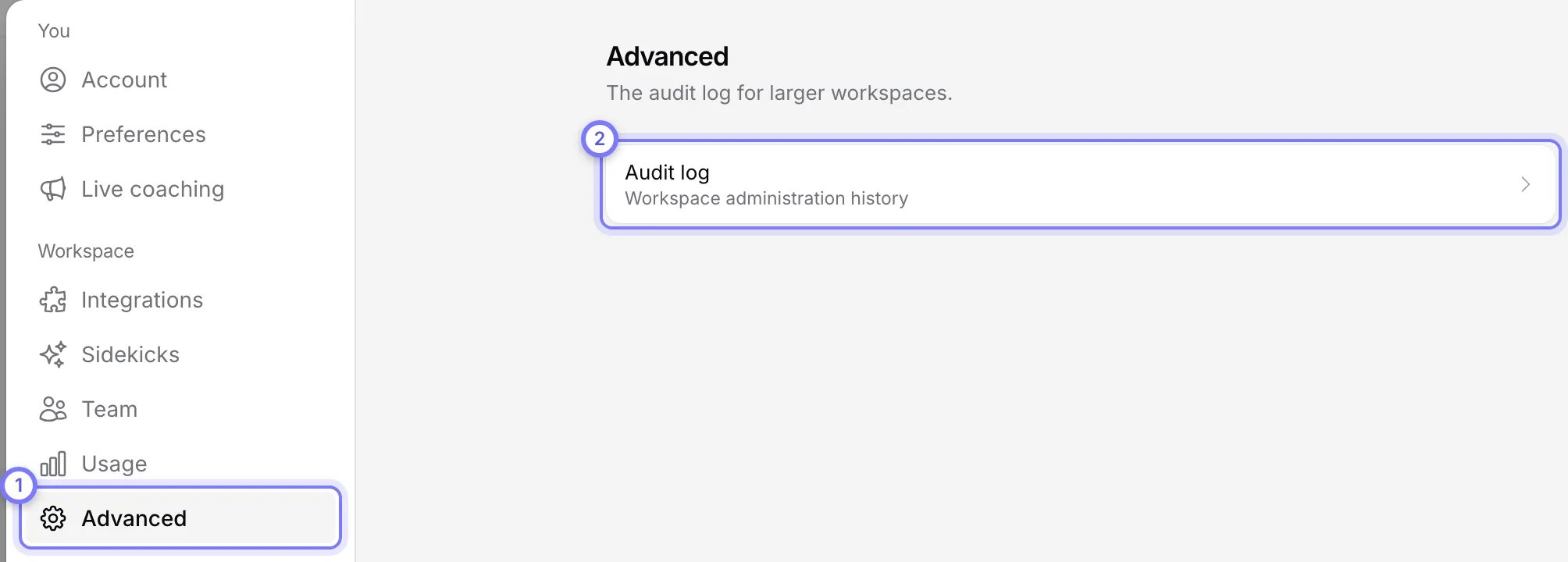
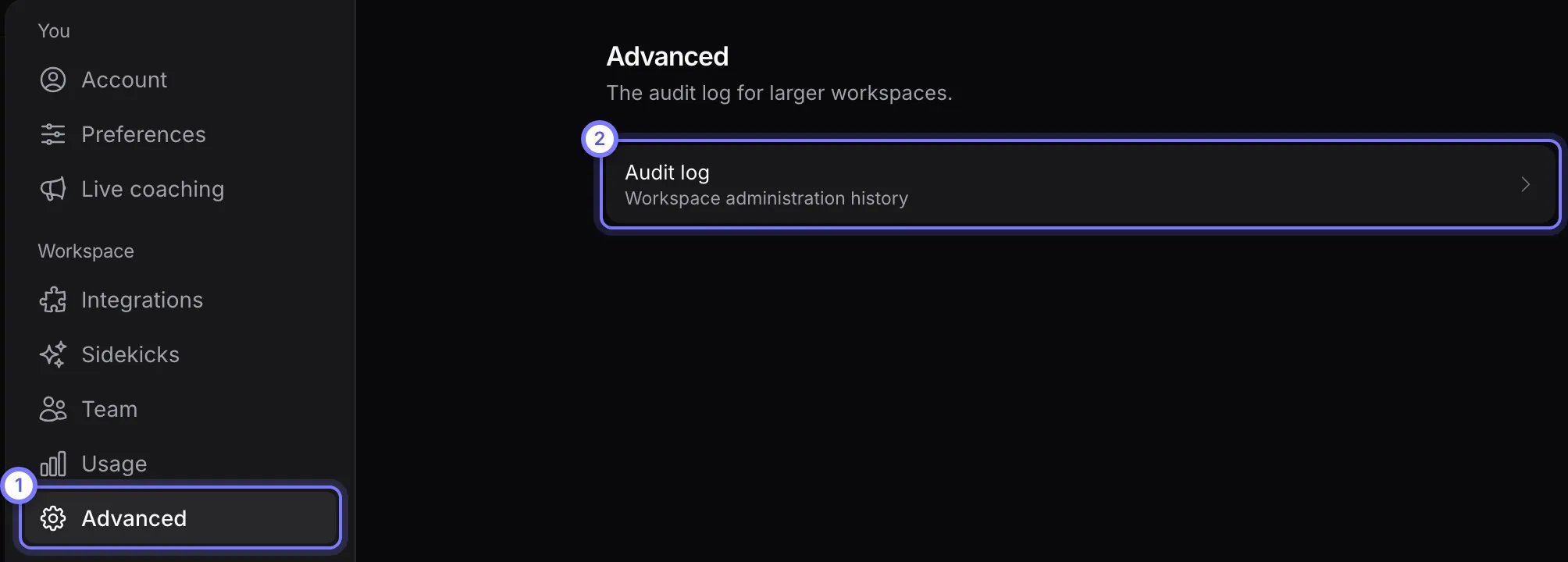
Settings > Workspace > Advanced. (1) Advanced is in the Workspace group. (2) Audit log opens the history of workspace administration. Groups and Policies rows show here only in workspaces that have them. This workspace has neither.
Audit log
The audit log is the history of workspace administration. It never shows credentials or secrets, and you cannot change or delete entries. Select Audit log to open it. Each row shows what happened, who did it, when, and whether it succeeded, was denied or failed. Select a row to see each changed field, before and after.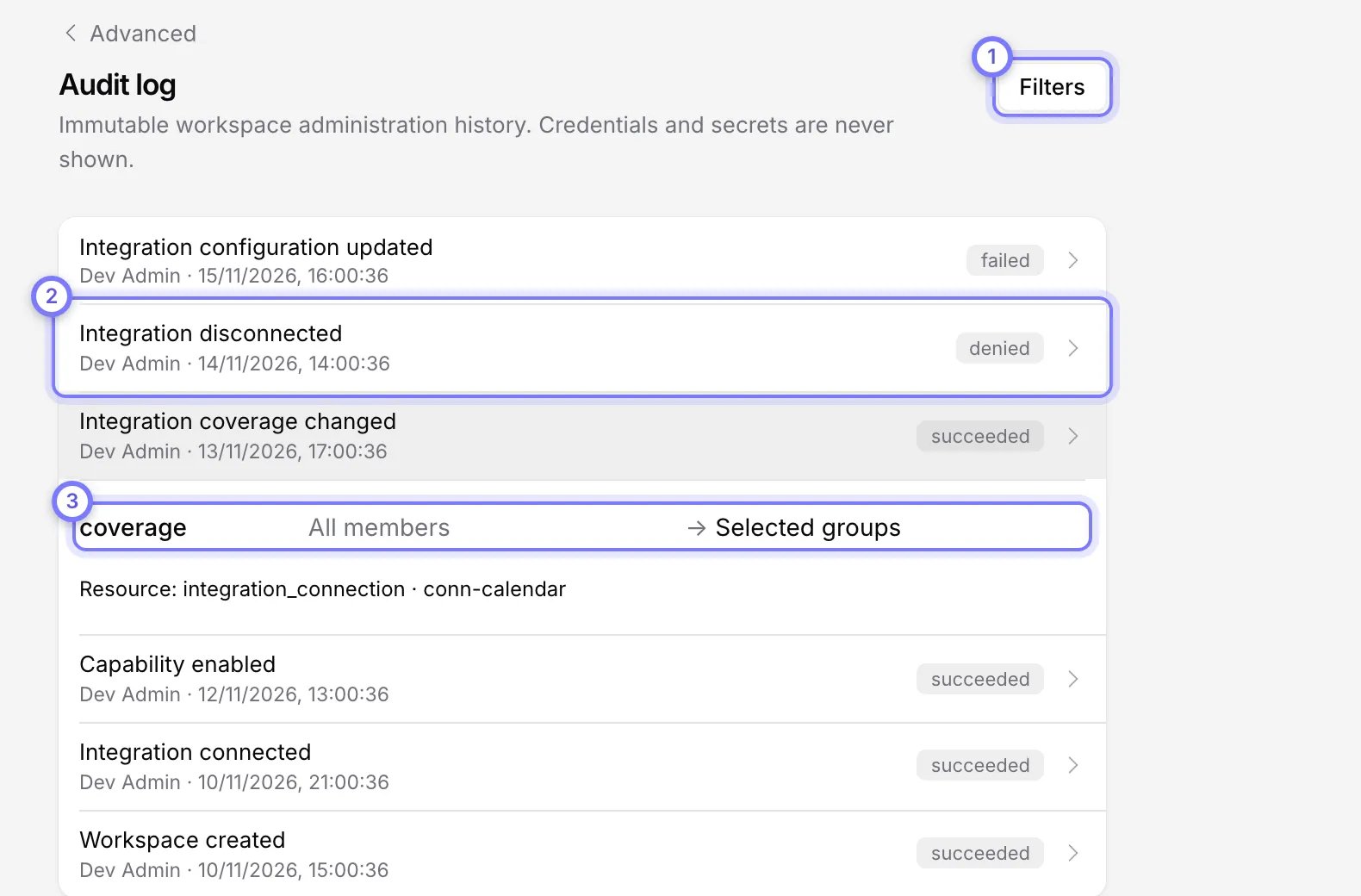
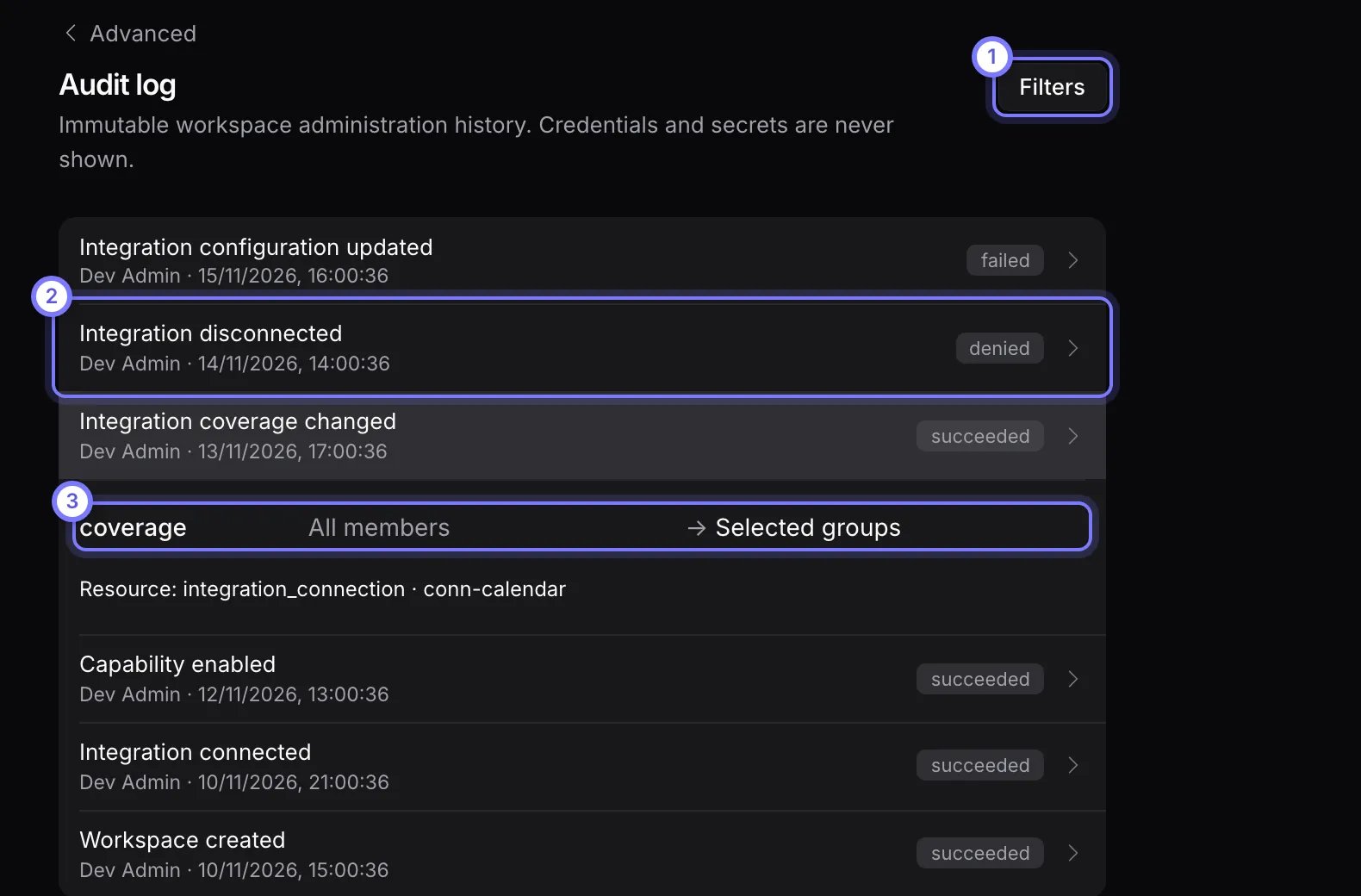
Audit log. (1) Filters narrows the list. (2) Each row shows what happened, who did it, when and the outcome: succeeded, denied or failed. (3) Select a row to see each changed field, before and after.
Filter the audit log
- Select Filters.
- Set any of Action, Outcome (Succeeded, Denied or Failed), Actor, Integration ID, Resource type, From and To. Action and Resource type take text.
- Select Apply. Clear removes the filters.
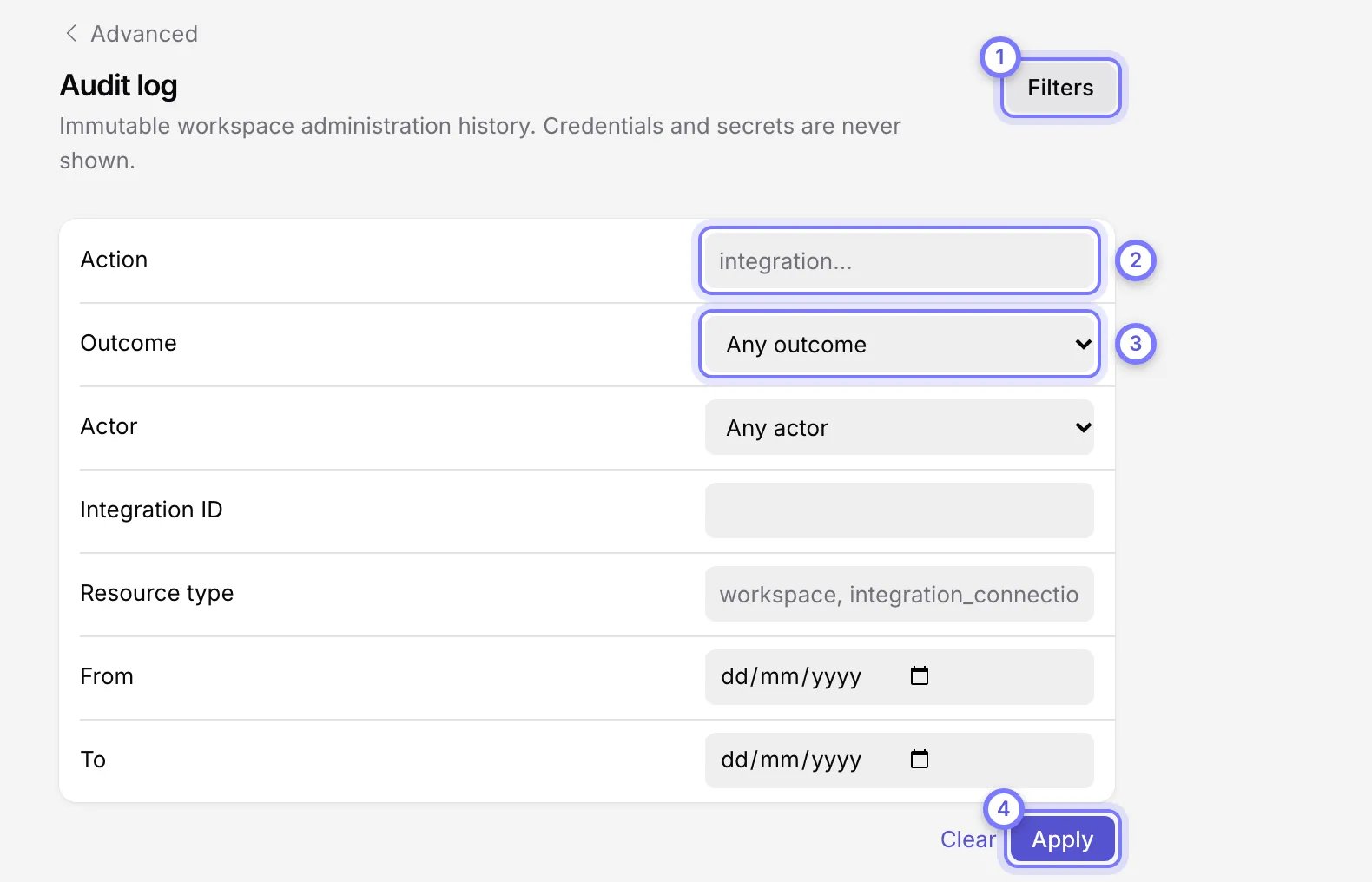
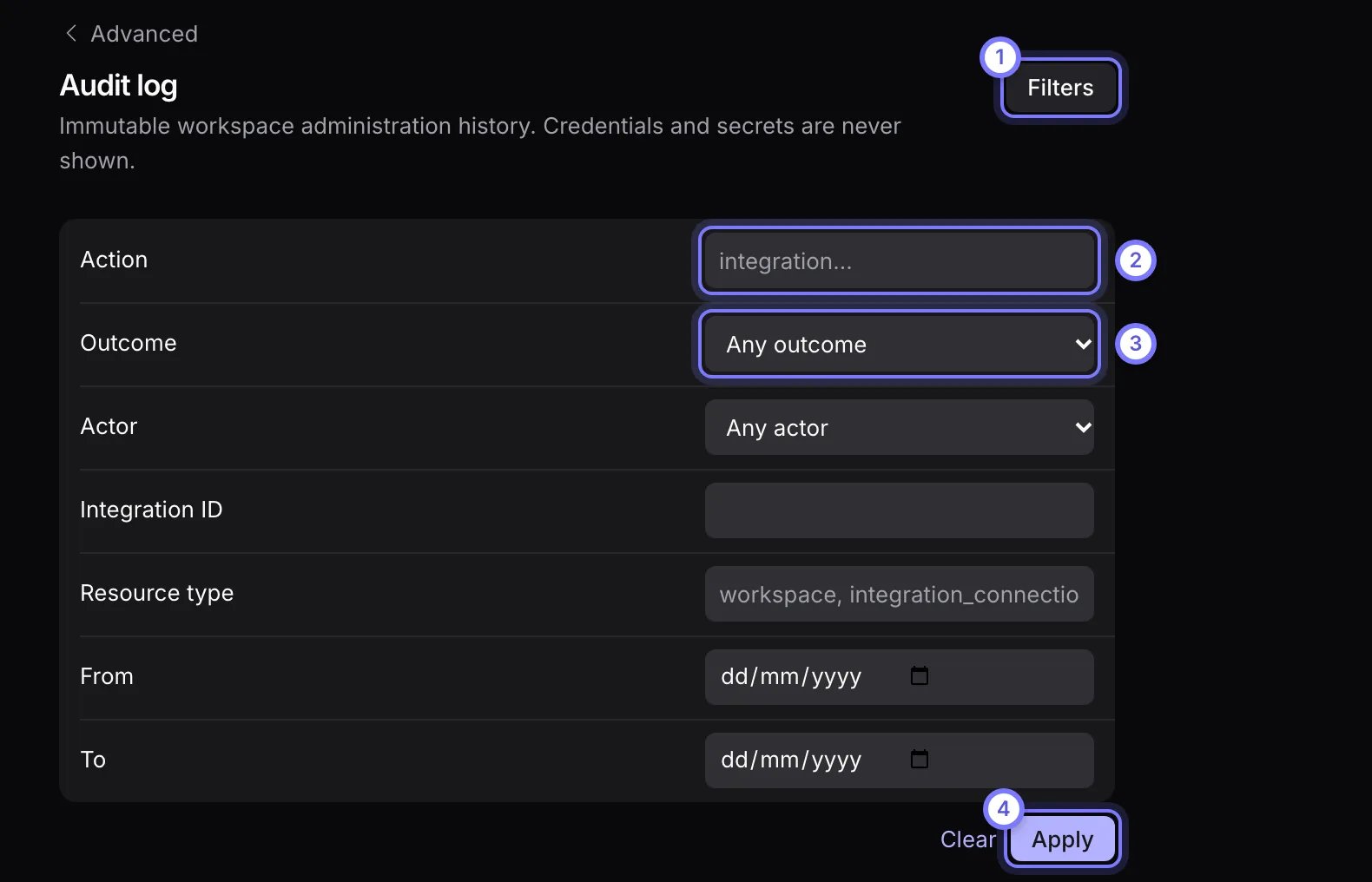
Filters. (1) Select Filters to open the fields. (2) Action and Resource type take text. (3) Outcome is Succeeded, Denied or Failed. (4) Select Apply. Clear removes the filters.
Groups
Groups let you set integration coverage for a team at once.- Directory sources are groups Doris reads from Microsoft 365, Google Workspace or Salesforce. You cannot edit them. Select the Sync button on a source, for example Sync Microsoft 365, to refresh them. Doris shows “Sync queued” while it works.
- Workspace groups are groups you create in Doris.
Create a group
- Select Create group.
- Enter a Group name and select Create.
- Open the group to change its members, then select Save members. You can also Rename it or Delete group.
Policies
Policies shows every workspace default and the rules that depart from it. You edit nothing here. Change a rule on the connection’s Coverage tab, or use Edit coverage on a row.- Workspace defaults is the baseline for every member.
- Exceptions and exclusions lists group policies, member exceptions and exclusions. A member exception overrides a group policy, which overrides the default.